

Dienstag, 09. Juni 2026
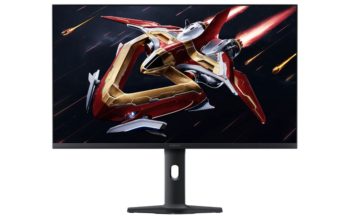
Xiaomi G Pro 27Qi 2026 mit QD-Mini-LED und HDR 1000 Der chinesische Elektronikkonzern Xiaomi listet auf seiner globalen Website einen neuen Gaming-Bildschirm namens G Pro…

Epson Lifestudio Grand EH-LS970 mit 4K-UST und LCD Vom japanischen Unternehmen Epson kommt die Ankündigung eines neuen 3LCD-Laserprojektors mit Ultrakurzdistanz-Objektiv. Der Lifestudio Grand EH-LS970 löst…

Nothing Phone (4a) mit sechs Jahren Android-Support Das seit März dieses Jahres erhältliche Nothing Phone (4a) kann bei Amazon.de zurzeit zum Knallerpreis von 399 Euro…
Montag, 08. Juni 2026

LC-Power LC-M27QO mit QD-OLED LC-Power, eine Marke des deutschen Unternehmens Silent Power Electronics GmbH, kündigt einen neuen Gaming-Bildschirm mit QD-OLED-Technologie an. Der LC-M27QO misst 26,5…
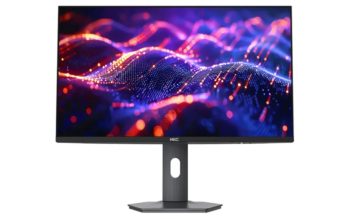
HKC mit zwei Computex-Neuheiten Als Nachtrag zur Computex letzte Woche wollen wir an dieser Stelle auf zwei Produktneuheiten des chinesischen Herstellers HKC hinweisen, der ebenfalls…

US-Preorder-Phase zum LG 27GM950B gestartet Über das vergangene Osterwochenende hat der südkoreanische Hersteller LG eine offizielle US-Vorbestellphase zum UltraGear 27GM950B gestartet. Der IPS-basierte 27-Zöller kostet…

Der zur CES 2026 enthüllte LG UltraGear 39GX950B bekam eine offizielle kanadische Produktseite verpasst, die zahlreiche weitere Eckdaten ans Tageslicht bringt. Der mit 1500 R…
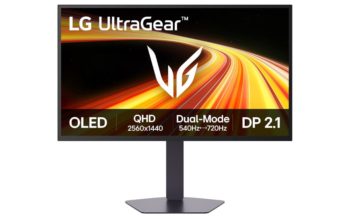
LG 27GX790B mit Tandem-OLED und Dual-Hz Auf seiner chinesischen Website listet der südkoreanische Elektronikkonzern LG einen neuen Gaming-Bildschirm mit Top-Ausstattung. Der UltraGear 27GX790B ist ein…

LG UltraGear evo 52G930B kostet knapp 2.000 USD Ende letzten Jahres teaserte der südkoreanische Elektronikriese LG mit dem UltraGear evo 52G930B einen neuen Gaming-Boliden an…
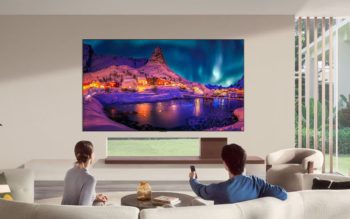
LG OLED65G67LW mit 5 Jahren Panel-Garantie Der Versandriese Amazon.de haut heute den 2026 erschienenen 65-Zoll-Fernseher LG OLED65G67LW zum aktuellen Bestpreis von 2.853,92 Euro (Anzeige) heraus. Das…
Freitag, 05. Juni 2026

PRAD erhielt von Samsung Deutschland eine offizielle Preisliste zu kommenden neuen Fernsehgeräten, wobei sowohl Micro-RGB- (PRAD-News) als auch OLED- (PRAD-News) und Neo-QLED-Modelle abgedeckt werden. Letztere…

MSI mit zwei neuen 5K-Dual-Hz-Monitoren MSI nutzte die Computex bereits fleißig für zahlreiche frische Produktankündigungen wie den MEG X mit Tandem-OLED und KI-Assistenz (PRAD-News). An…

OLED-Gaming mit True Black 1000 in Sicht Wer sich angesichts der jüngsten OLED-Gaming-Ankündigungen im Monitor-Bereich über erste Exemplare mit einer Zertifizierung nach DisplayHDR True Black…

Lenovo ThinkVision T24D-4t mit 20-Punkte-Touch Vom chinesischen Elektronikkonzern Lenovo kommt ein interessanter neuer 23,8-Zoll-Monitor für Business- und Office-Zwecke. Der zur ThinkVision-Serie gehörende T24D-4t besitzt ein…

Vorbestellphase zum Samsung Odyssey G80SH Der zur CES 2026 enthüllte Gaming-Bildschirm Samsung G80SH kann beim Hersteller mittlerweile vorbestellt werden, wobei Sie die Wahl zwischen einer…
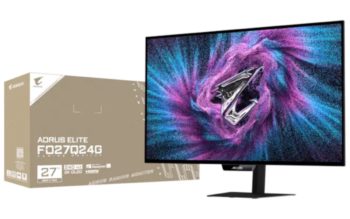
Gigabyte Aorus Elite FO27Q24G mit RealBlack Glossy Der kürzlich vorgestellte Gigabyte Aorus Elite FO27Q28G (PRAD-News) wird mit einem Schwestermodell bedacht, das Feature-seitig Federn lässt und…
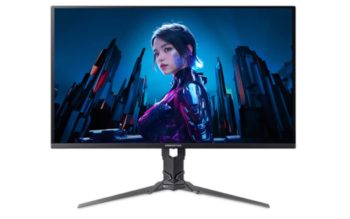
Acer Predator X27U W3 mit WQHD, OLED und 240 Hz Zum Wochenende gibts bei Amazon.de den erst seit diesem Jahr erhältlichen OLED-Gaming-Bildschirm Acer Predator X27U…
Donnerstag, 04. Juni 2026
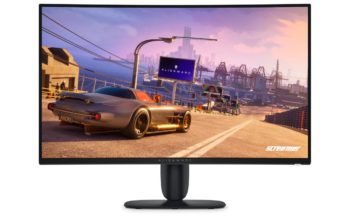
Alienware enthüllt Nachfolger des AW3425DWM Die Dell-Tochter Alienware hat einen weiteren neuen PC-Bildschirm für Gaming-Zwecke vorgestellt. Der AW3426DWM (nicht zu verwechseln mit dem Tandem-OLED-Modell AW3426DW…

Gigabyte G27Q3 stemmt WQHD bei bis zu 320 Hz Der 2025 veröffentlichte Gaming-Bildschirm Gigabyte M27Q3 (PRAD-News) bekommt ein Schwestermodell ohne Aim Stabilizer Sync und mit…

LG UltraGear 45GX90SB mit UWQHD und OLED-MLA+ Der im vergangenen Jahr erschienene LG UltraGear OLED 45GX90SA (PRAD-News) erhält bald einen Nachfolger. Der neue 45GX90SB ist…
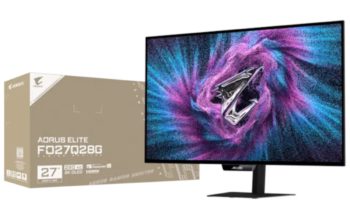
Zahlreiche frische Infos zum FO27Q28G Vor Kurzem teaserte das taiwanische Unternehmen Gigabyte im Rahmen der Computex drei neue Gaming-Monitore an, darunter den Aorus Elite FO27Q28G…

ASUS ZenScreen Color ePaper MP13UC mit Touch Neben dem ZenScreen OLED MQ14FCKV (PRAD-News) hat ASUS einen weiteren tragbaren Monitor enthüllt. Der ZenScreen Color ePaper MP13UC…

ASUS ZenScreen OLED MQ14FCKV ist ein Leichtgewicht ASUS hat auf der Computex in Taiwan den neuen portablen 14-Zoll-Monitor ZenScreen OLED MQ14FCKV angekündigt. Das 1 ms…

Panasonic TV-65W80A mit HDR10+ und Fire OS Der deutsche Ableger des US-Konzerns Amazon haut am heutigen Donnerstag den Panasonic TV-65W80A zum aktuellen Bestpreis von 599…
Mittwoch, 03. Juni 2026
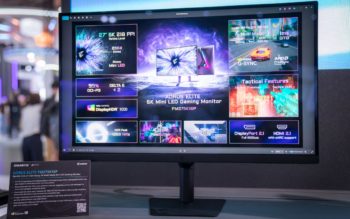
Neue Gigabyte-Gaming-Displays zur Computex Auch der taiwanische Hersteller Gigabyte ist auf der Computex vertreten und nutzt die Messe für einige frische Produktankündigungen. An dieser Stelle…
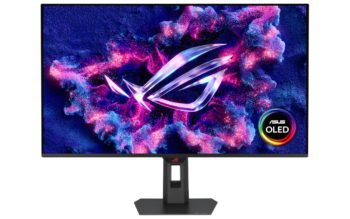
ASUS ROG Strix OLED XG32UQWMS mit 4K-Dual-Hz Von ASUS kommt bald der neue ROG Strix XG32UQWMS, ein 31,5 Zoll großer Gaming-Monitor auf Basis von LGs…
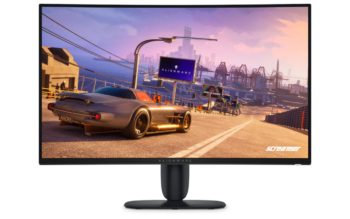
Alienware AW3226DM mit VA statt OLED Die Dell-Marke Alienware hat zur Computex den Gaming-Bildschirm AW3226DM angekündigt. Die Namensähnlichkeit zum 2026 erschienenen AW2726DM (PRAD-News) täuscht allerdings,…
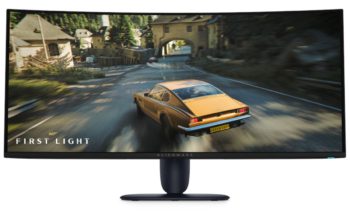
Alienware AW3426DW mit True Black 500 Neben dem Alienware AW3926QW (PRAD-News) hat Dell auf der Computex weitere Produktneuheiten enthüllt, darunter den Alienware AW3426DW. Der 34-Zöller…

LG UltraGear 27GX704A mit Glossy-WOLED Der Versandriese Amazon.de verkauft den 2025 veröffentlichten Gaming-Bildschirm LG UltraGear OLED 27GX704A zum Knallerpreis von 389 Euro (Anzeige). Der mit…

Vom taiwanischen Unternehmen BenQ kommt die Ankündigung des neuen LED-Projektors GV31. Das DLP-Modell wiegt 1,7 kg, misst 131,3 x 203,2 x 191,4 mm (B x…
Dienstag, 02. Juni 2026
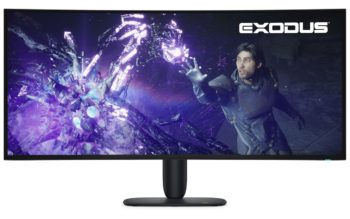
Alienware AW3926QW mit RGB-Tandem-OLED Auch die Dell-Marke Alienware lässt zur Computex einige Produktneuheiten vom Stapel. Der AW3926QW ist ein 38,9 Zoll großes Tandem-OLED-Gerät mit RGB-Subpixel-Layout…
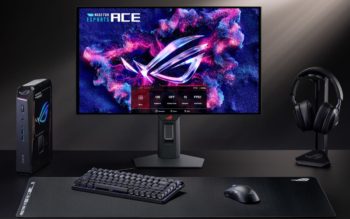
ASUS ROG Strix OLED XG259QWPG Ace für E-Sportler Der taiwanische Hersteller ASUS hat auf der Computex mit dem ROG Strix XG259QWPG Ace den weltweit ersten…
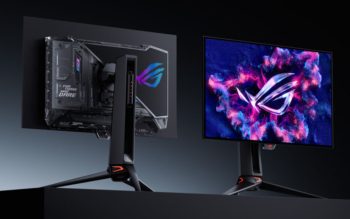
ASUS PG27UCWM mit Tandem-OLED und 4K-Dual-Hz Eine weitere CES-Neuheit aus dem Hause ASUS ist der ROG Swift OLED PG27UCWM, ein Tandem-OLED-basierter Gaming-Monitor mit RGB-Subpixel-Layout, wodurch…
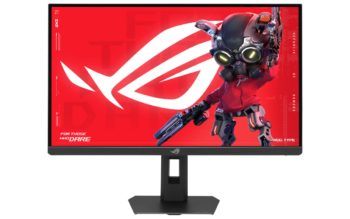
ASUS ROG Strix 5K XG27JCEG mit 5K-Dual-Hz Der seit Anfang des Jahres in Deutschland verfügbare ASUS ROG Strix 5K XG27JCG (PRAD-News) bekommt bald ein Schwestermodell…
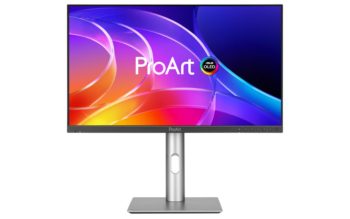
ASUS ProArt PA279CDV mit 4K120, QD-OLED und HDR Der mit Hauptsitz in Taiwan residierende Hersteller ASUS stellte im Rahmen der CES 2026 einen weiteren neuen…

MSI MEG X mit eigenem KI-Agenten Vom taiwanischen Unternehmen MSI kommt ein neuer Gaming-Bildschirm namens MEG X, der mit einem integrierten KI-Assistenten als Besonderheit aufwartet….
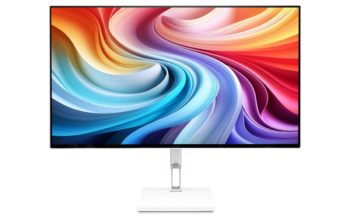
Acer CE320QK G mit 4K120 und QD-OLED Acer hat im Rahmen der Computex einen neuen 31,5-Zoll-Bildschirm für Arbeits- und Multimedia-Zwecke angekündigt. Der CE320QK G setzt…
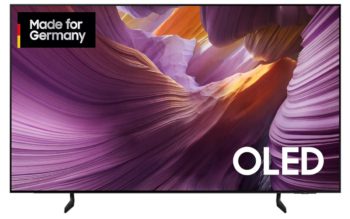
Samsung GQ77S85F mit 4K, OLED und HDR10+ Am heutigen Dienstag können Sie bei Amazon.de den 2025 veröffentlichten 77-Zoll-Fernseher Samsung GQ77S85F zum aktuellen Bestpreis von 1.399…
Montag, 01. Juni 2026

BenQ TH575i mit 3800 ANSI-Lumen Das taiwanische Unternehmen BenQ hat seit 2026 einen Heimkino-Beamer namens TH575i im Sortiment, der mit einem starken Preis-Leistungs-Verhältnis antritt. Zu…















